Trusted by 100,000+ artists

TikTok lyric video maker for your songs

Upload a track and Capify writes out the lyrics and times every word to the vocal. Pick a style, keep the words clear of TikTok’s buttons, and export a 1080 × 1920 video ready to post.

Loading lyric video editor

Free preview. Full-length exports need a paid plan.

Four steps

How to make a lyric video for TikTok

Four steps, all in your browser. Nothing to install on your phone.

  1. 1

    Upload the part of the song you want to post

    Drop in an MP3, WAV, M4A or OGG file. For a TikTok, most artists cut the file down to the hook or the chorus first, so the video starts on the line people already know.

  2. 2

    Let the AI time the lyrics

    Capify transcribes the vocal and times every word to it. Open the lyric editor to fix a misheard word or nudge a line that lands early.

  3. 3

    Pick the look

    Choose a lyric animation such as aesthetic, Karaoke, Word by word or Typewriter, then a background. Drag the lyrics to where you want them in the frame.

  4. 4

    Export in 9:16 and post

    The editor opens in vertical, so the video exports at 1080 × 1920, the full TikTok frame. Upload the file in TikTok and write your caption there.

Hook viewers in the first seconds

On the For You feed a video starts playing the moment it appears, and people swipe fast. So skip the eight-bar intro. Trim your file to start a beat before the hook and the first words on screen are the ones that stick.

An intro card can put your song title and artist name up front for the first moments of the video. Turn it on in the editor if you want people to know what they are hearing before the chorus lands.
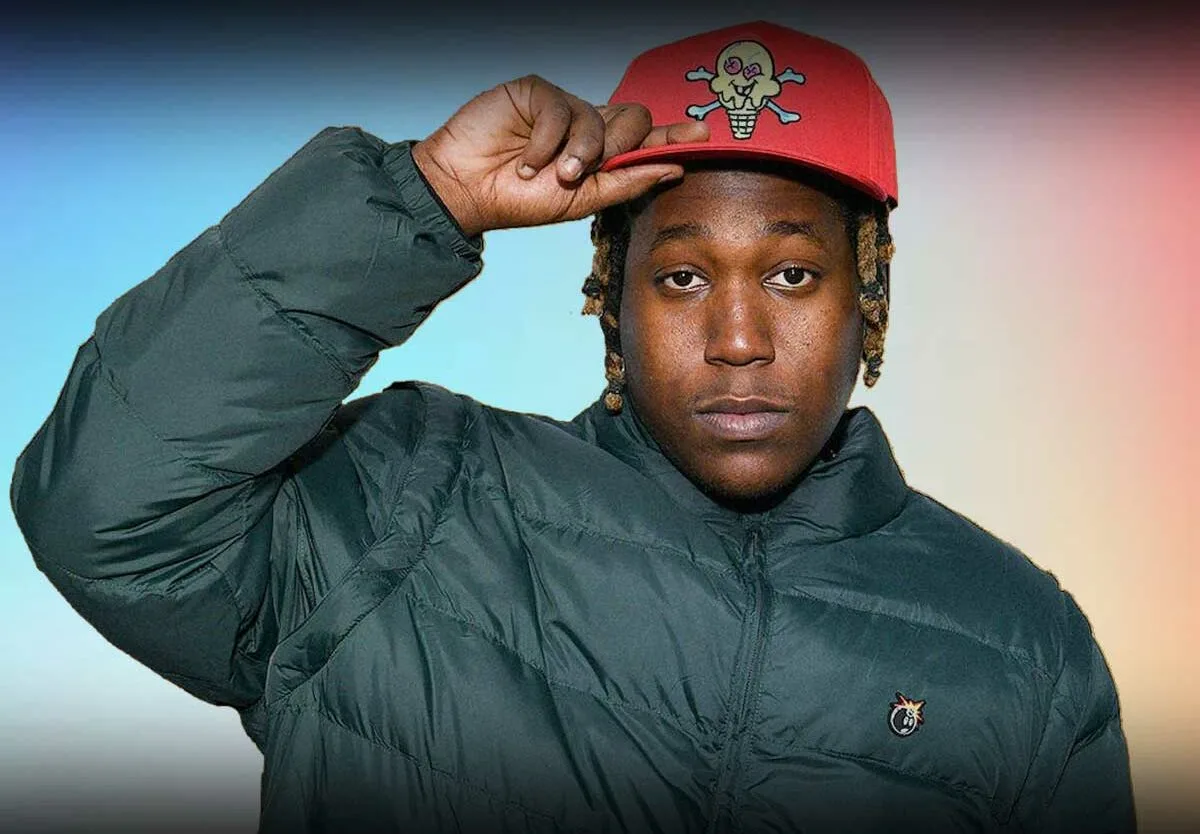
Make a lyric edit for TikTok

A lyric edit lives or dies on timing. Every word in Capify is timed to the vocal, so styles like Word by word, Karaoke and Rush land on the word as it is sung, not a second late.

The aesthetic style, the one this editor opens with, sets the lyrics as a tight lowercase block that fills in word by word. Put it over performance footage, a photo dump or one of 53 animated backgrounds. For words over your own footage, see add lyrics to video.

Turn it into a sound fans can use

Post the lyric video with your song as its audio and TikTok normally lists it as an original sound. Anyone who taps the sound can make their own video with it, and the sound page collects every video that uses it.

If your distributor delivers the song to TikTok, it can also show up in the sounds library under its own name. A lyric video gives people something to watch while they decide to use it.

Add lyrics on TikTok without typing every line

You can add lyrics on TikTok with the text tool, one box per line, setting when each box appears and disappears. For a 30-second chorus that can mean a dozen boxes or more, each timed by eye on a phone screen.

Capify gives every word its own start and end time from the vocal, then animates the lyrics to match. The words are part of the video file, so they look the same in the feed, on a repost and in a download.

TikTok lyrics video settings that work

  • Frame. 9:16 at 1080 × 1920. The editor on this page starts there.
  • Placement. Keep lyrics near the middle. TikTok puts your caption at the bottom and its buttons on the right.
  • Size. Big enough to read on a phone at arm’s length. Preview it on your phone before you post.
  • Audio. Upload the song itself as MP3, WAV, M4A or OGG. The lyrics are timed to that file.
  • Quality. Exports are 1080p. Creator Pro adds 4K.

Pricing

TikTok lyric video questions

How do I make a lyric video on TikTok?

Make the video first, then post it. Upload your song to Capify, let it time the lyrics, pick a style and export in 9:16. In TikTok, tap the plus button, upload the file from your camera roll, and add your caption and hashtags before you post.

Can I add lyrics on TikTok without typing them in?

TikTok's own text tool means typing each line and setting when it shows up by hand. Capify does that part for you. It transcribes the song, times every word, and burns the lyrics into the video, so all you do in TikTok is upload it.

What size should a TikTok lyric video be?

Vertical 9:16 at 1080 × 1920 pixels. That fills the whole screen on a phone. This page opens the editor in 9:16, and you can switch to 16:9 for YouTube from the same project.

What is a lyric edit on TikTok?

A lyric edit is a short video where the words of a song appear on screen in time with the music, often over clips, photos or a moving background. Artists post them to push a new song and fans make them for songs they love.

Can I use my own clips or photos behind the lyrics?

Yes. Upload a photo or video as the background in Visuals, or pick one of 53 animated backgrounds that move with the music. A reactivity slider sets how hard the background responds to the beat.

Will my lyric video become a TikTok sound?

When you post a video with your own audio, TikTok usually saves it as an original sound that other people can use. If your song is distributed to TikTok's music library, people can also find it by name there. Capify does not upload anything to TikTok for you.

Is the TikTok lyric video maker free?

You can upload a song, generate the lyrics and preview the whole video for free. Exporting the full-length video needs a paid plan. The plans are listed on this page.

What if the AI gets a word wrong?

Open the lyric editor and type the right word, or change when a line starts and ends. On a paid plan you can also paste your lyrics and transcribe again for better accuracy.

Where should lyrics sit in a TikTok video?

TikTok draws your caption and username along the bottom and its buttons down the right side. Keep the lyrics around the middle of the frame so nothing important ends up behind them. You can drag the lyrics anywhere in Capify's preview.

Can I make the same video for Instagram Reels and YouTube Shorts?

Yes. Reels and Shorts use the same 9:16 frame, so one 1080 × 1920 export works on all three. For a horizontal version, switch the project to 16:9.

Make the lyric video for your next TikTok

Posting to Instagram too? Read the guide to lyrics on Instagram Reels. For a full-length 16:9 upload, use the YouTube lyric video maker, or add bars and waves with the audio visualizer. Everything runs on the same AI lyric video maker.