Capify Clips
Turn one song into 40 short videos
Pick the moments, backgrounds and looks you like. Capify mixes them into a batch of 9:16 lyric videos for TikTok, Reels and Shorts, with every word timed to the vocal.
Free to make and preview. Exporting needs a paid plan.
Four steps
How Clips works
You pick the parts and Capify does the editing, on a laptop or a phone.
- 1
Upload the whole song
Capify writes out the lyrics, times every word and finds the chorus, verses and bridge. Fix any word it got wrong before you move on.
- 2
Pick your moments
Take a section whole, or tap the song to cut your own at 10, 15, 20, 30, 45 or 60 seconds. Each moment becomes its own set of videos.
- 3
Add backgrounds and looks
Shuffle from our stock bank, pick animated backgrounds, search Pexels or upload your own footage. Then choose a few caption animations and fonts.
- 4
Write hook captions
Add a line for the top of the video, like “POV: you finally said it out loud”. Add a few and they are spread across the batch. Captions are optional.
The mix
Every video in the batch is a different mix
Capify multiplies what you pick. Change the numbers to see how many different videos one song can make.
- MomentsSong sections or moments you cut
- BackgroundsAnimated, stock or your own
- Lyric animationsAn animation and a font
- Caption choicesNo caption counts as one
72 possible videos
4 moments × 6 backgrounds × 3 lyric animations
You choose how many to export, up to 40 at a time.
Example song. Your videos use your lyrics and your timing.
Change any video before you post it
The mix gives you a batch to start from. Then keep what works and fix what doesn't.
Mix one video again
Pick any video in the batch and mix just that one again, or swap its moment, background, look or caption by hand. The rest of the batch stays as it is.
Check it inside the app
Preview a video framed the way TikTok, Instagram Reels, YouTube Shorts or Facebook Reels show it, with their buttons drawn on, so your lyrics stay clear of them.
Open it in the full editor
Every exported clip is also a Capify project. Open one in the editor to change a line, move a word or try a different font on that video alone.
Lyrics with no background
Choose Transparent and those videos export as .mov files with only the lyrics on them, ready to lay over your own footage in another app.
Export the batch and close the tab
Clips render on our servers, not in your browser. Start the export, close the tab and come back to finished videos.
Making clips is free on any account. Exporting needs a paid plan and uses export minutes. Each clip uses its own length, so 40 clips of 15 seconds use 10 minutes.
What you get
- Size. 1080×1920 in 9:16, the full frame on TikTok, Reels and Shorts.
- Files. MP4, or .mov with transparency for videos with no background.
- Download. All of them at once as a zip, or one at a time.
- Batch size. Up to 40 videos from one song in each export.
- Posting. You post them yourself. Capify does not connect to your TikTok or Instagram account.
Capify is trusted by the world's biggest artists
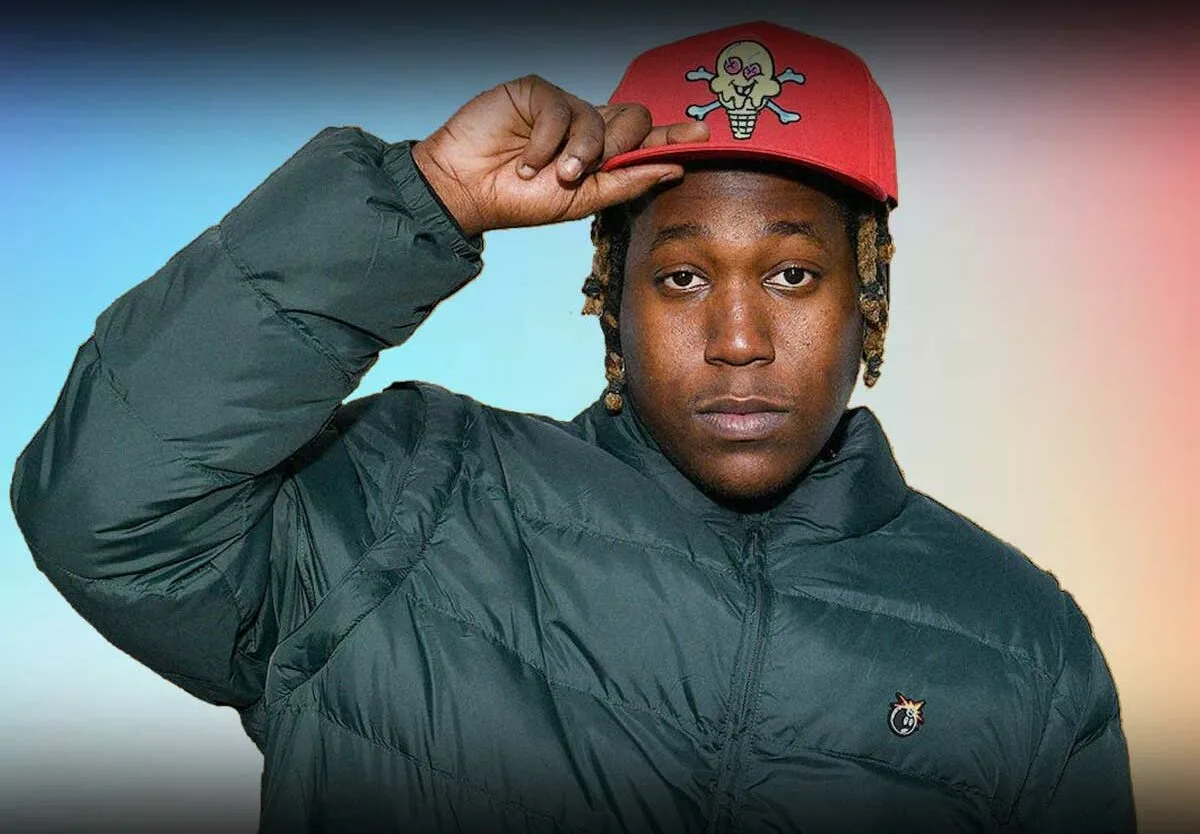
Don Toliver
"Victony - Soweto with Don Toliver, Rema & Tempoe"
Top 100
Spotify Viral Daily Songs Global
Pricing
Clips are free to make. A paid plan adds the export minutes to download them.
Minutes are the length of the videos you export. A 3 minute song uses 3 minutes, in 1080p or 4K. Drafts are free.
Questions about Clips
What is Capify Clips?
Clips turns one song into a batch of short vertical lyric videos. You pick moments from the song, backgrounds, caption looks and optional hook captions, and Capify mixes them into up to 40 different videos for TikTok, Instagram Reels and YouTube Shorts.
How is Clips different from the TikTok lyric video maker?
The TikTok lyric video maker makes one vertical video in the full editor, from the whole song or a part you choose. Clips makes a batch: you pick several moments, backgrounds and looks, and it mixes them into up to 40 different videos at once.
Why post more than one video for a song?
A release usually needs more than one post. A batch gives you a different moment, background or caption for each day of a rollout, and you can see which ones your fans respond to before you make more.
Is Clips free?
Making clips is free with a Capify account. You can upload a song, build the whole batch and preview every video without paying. Exporting needs a paid plan and uses export minutes.
How are export minutes counted?
Each clip uses its own length. A 15-second clip uses 15 seconds of export minutes, so a batch of 40 of them uses 10 minutes. The whole batch has to fit your balance before it starts.
How many videos can I make from one song?
Up to 40 in each export. The number of different videos you can mix is your moments times your backgrounds times your looks times your caption choices, so 4 moments, 5 backgrounds and 3 looks already make 60.
How long is each clip?
As long as the moment it comes from. Take a whole section of the song, or cut your own at 10, 15, 20, 30, 45 or 60 seconds and drag its edges to trim it.
Can I use my own footage?
Yes. Upload your own videos or photos in the backgrounds step and they go into the mix with any animated or Pexels backgrounds you picked.
Do I have to keep the page open while it exports?
No. Clips render on our servers, not in your browser, so you can close the tab and come back to download them.
Does Capify post the videos for me?
No. Capify makes the video files. You post them from your own TikTok, Instagram or YouTube account, with your own caption and hashtags.
Can I change one video without changing the rest?
Yes. Before you export, mix any single video again or swap its parts. After you export, each video opens in the full Capify editor as its own project.
Make a batch from your next single
Upload the song and pick a few moments. You can preview every clip before you pay for anything. For one full-length vertical video, use the TikTok lyric video maker or lyrics for Instagram Reels.